
Checkout at counter speed.
Filter items by category, scan or search, build the cart, take the payment. Multi-tender supported. The sale becomes an invoice instantly and stock is deducted in one motion.
In the real world
Built for how you actually work
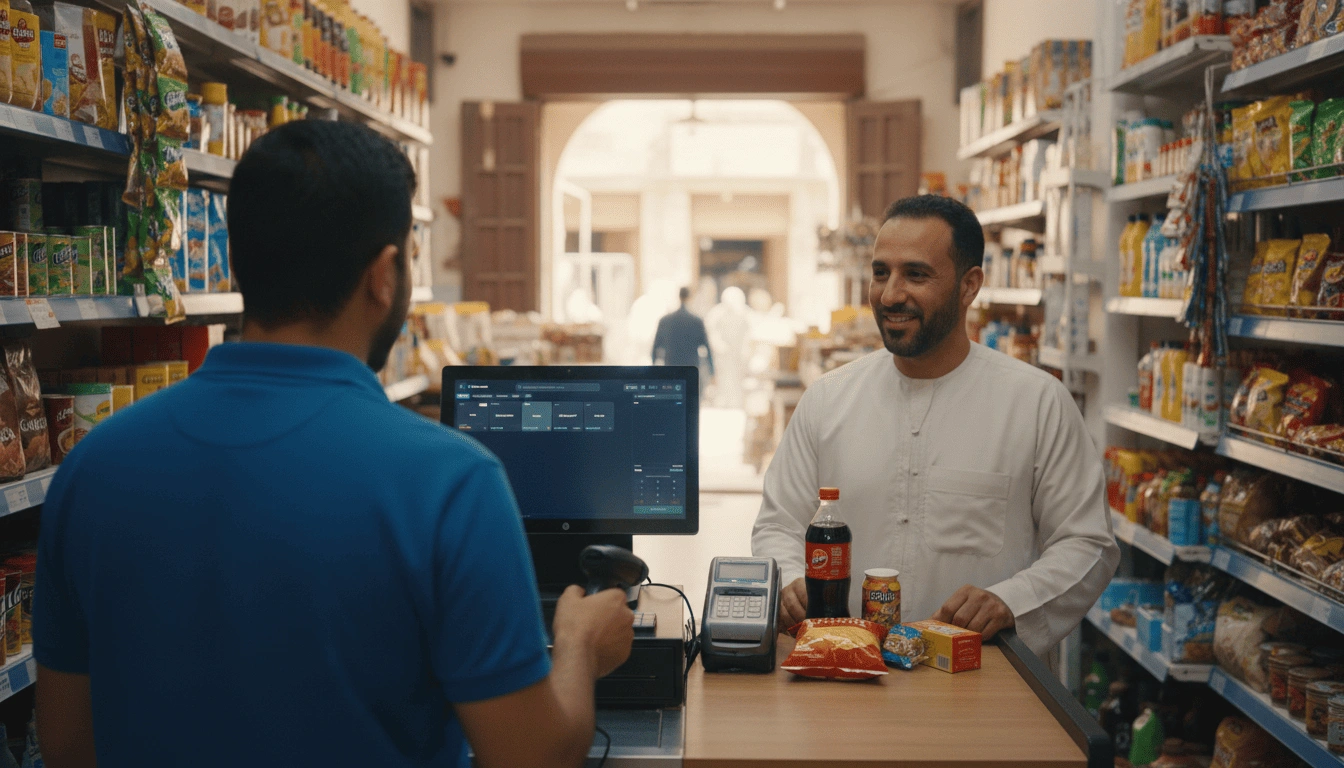
Five actions to ring up a sale.
Built for keyboard warriors and touch-screen operators. Every interaction is one keystroke, one tap, or one scan away.
- 1Find the itemType a name, scan a barcode, or filter by category. Sub-second search across 10,000+ SKUs.
- 2Add to cartEnter quantity or tap the product tile. Promotions apply automatically.
- 3Apply discounts (optional)Manager-override line discounts, manual % off, or loyalty redemption.
- 4Take paymentCash, card, split tender. No modal stacks, no hidden taps.
- 5Receipt & invoicePrint on thermal, email PDF, or both. Sale is now a payable invoice in your books.
Multi-tender, without the awkward split-screen math.
A customer wants to pay $50 cash and $30 card on a $80 tab. EVRST splits it cleanly, records both legs, and prints a single receipt showing the breakdown.
- ✓Cash, card, cheque, custom tender types
- ✓Split across N tenders in any ratio
- ✓Cash drawer open event per cash tender
- ✓End-of-day reconciliation by tender type
The counter is not the place to wait on software.
EVRST POS runs natively, processes sales in milliseconds, and never asks you to "refresh the page".
New in 2.1.0
The drawer and the cash book, both at the counter.
Open the drawer without ringing a sale.
If your cash drawer plugs into the receipt printer, the till can open it for you. Press F8 or click Drawer, choose a reason, and confirm. Every open is written to the audit log with the reason, the till, and who did it.
- ✓Reasons cover make change, cash drop, till count, correction, or other
- ✓Optionally require a manager to approve each open
- ✓A Test Drawer button checks the wiring before you serve a customer
- ✓A virtual printer can never open a drawer; the command travels to the printer itself
A simple cash book beside your invoicing.
Vouchers record money moving that is not tied to a sales invoice: paying a bill, receiving cash, logging an expense, or making an accounting adjustment. Optional, and off until you turn it on.
- ✓Four types: Receipt, Payment, Expense, and Journal
- ✓The Vouchers report gives cash in, cash out, and net cash flow for the period
- ✓Journals have no cash direction, so they get their own total and never distort the net
- ✓Vouchers never touch your sales, profit, or VAT figures, so nothing is double-counted
Common Questions